

Image enlargement, 2×, 4× or any size
Make small images bigger, sharper and clearer.
Litesum Enhance enlarges photographs, artwork and screenshots by 2×, 4× or any size you ask for, on your own computer. It chooses among seven AI networks and a faithful classical method by measurement, checks every result region by region against a faithful resize, and tells you how much the AI actually contributed.

- Enlarge
- 2×, 4× or any size, including a print size at a chosen density
- Methods
- Seven AI networks and a faithful classical method
- Formats
- JPEG, PNG, WebP and TIFF
- Works
- On your own computer, one image or a whole batch
What it does
What you can do with Enhance.
Any output size, reduction included
Enlarge 2× or 4×, or ask for an exact width or height, a percentage from 1% to 400%, a total in megapixels, or a print size in inches at a chosen density. Under 100% makes the picture smaller with the corrections still applied.
A file that fits the limit you were given
Choose 500 KB, 1, 2, 5, 10 or 25 MB, or no limit, and Enhance lowers the quality only as far as it needs to, then says what it managed. If the limit cannot be met it says so and names the smallest it reached, rather than reporting an ordinary save.
A batch that runs to the end
While a batch runs the computer is kept from going to sleep. Stopping and starting again carries on through your images from where it stopped, only the images that failed can be retried, and the time remaining says where its estimate came from or says nothing at all.
Chosen by measurement, checked against a faithful resize
Seven image types, each on the method the benchmark shows wins for it. Every result is checked region by region, and Enhance tells you how much the AI actually contributed.
Protect anything the AI spoiled
Paint over a mole, a sign or skin texture and that area stays exactly as your original, while the rest keeps the improvement.
Crop to what the picture is actually of
Free, or six fixed shapes. Never written to your original, and your painted areas survive it.
Save the edit and come back to it
Settings, crop, orientation, face choices and protected areas in one small file. Saving an edit and exporting an image are two separate commands.
Nothing leaves your computer
Enhancement never uses the internet. The privacy audit that proves it runs on every build: 196 samples, zero connections.
Results
See what enlargement actually costs you.
Drag the divider, use the arrow keys, or jump to either side. Every comparison here says plainly what it is. This one is an illustration, not output from Litesum Enhance.
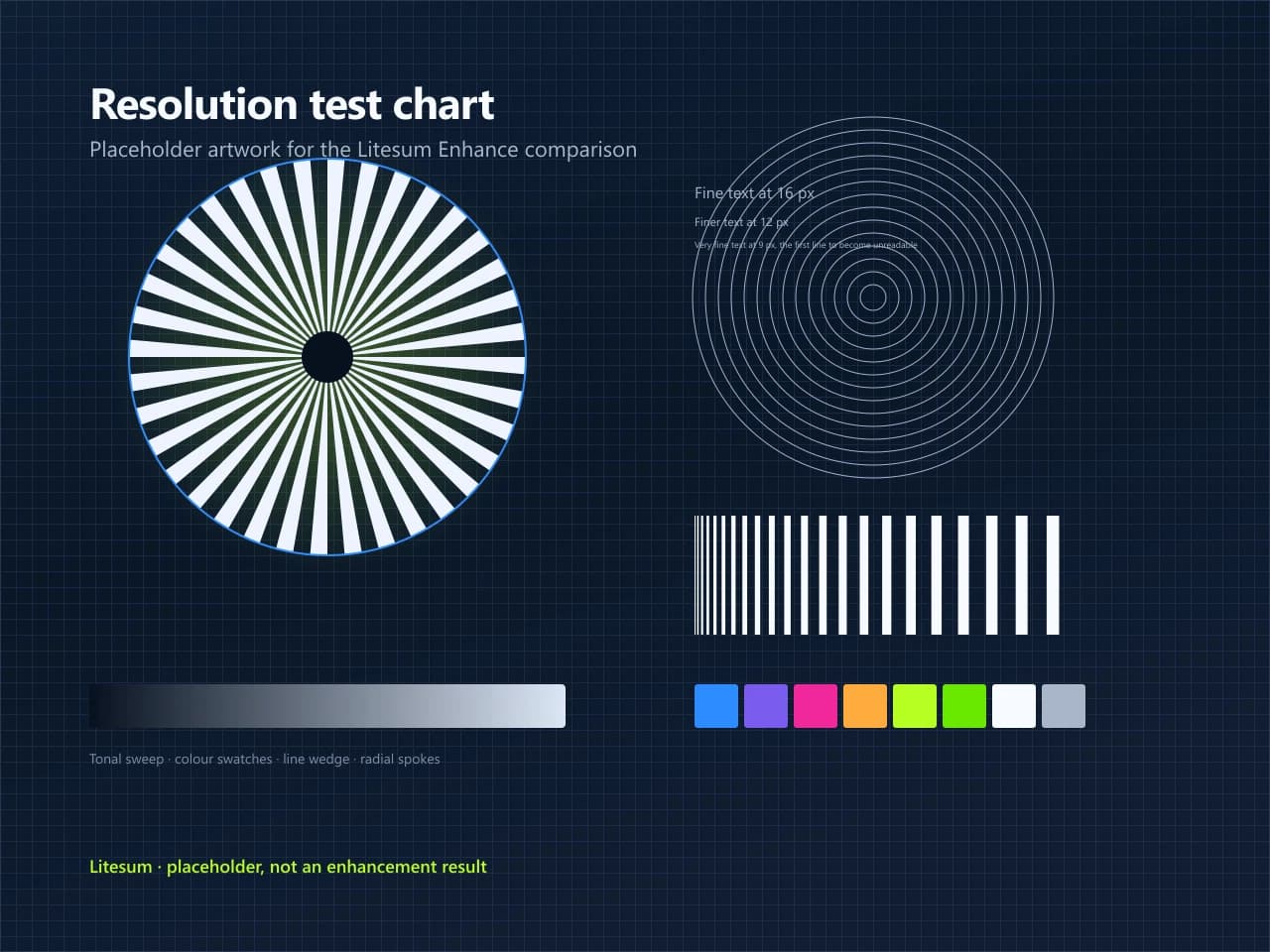
Placeholder. The left image is a 320 × 240 compressed file enlarged four times with ordinary bicubic resampling. The right image is the full-size original chart. Neither side is Litesum Enhance output; the pair shows the problem Enhance solves. Genuine prototype results will replace this comparison.
The part nobody explains
Fifteen out of every sixteen pixels were never in your file.
Make an image four times larger and only one pixel in sixteen came from your original. The rest have to come from somewhere. A plain resize averages the neighbours, which is safe and soft. A trained network produces what such a picture usually looks like at that size.
That is the whole trade. The AI result is often much better. It is also, always, an informed guess.
Reconstructed detail is plausible, not recovered. It may not match what was in front of the camera. Do not rely on it to identify a person, read a number plate, or settle a question of fact.
One pixel in sixteen, at 4×.
Method per image
The right engine for the picture in front of it.
Seven image types, named for the kind of picture rather than the machinery behind it. Enhance chooses the type from the properties of the image and gives one plain reason for its choice. Every value can be overridden.
Faithful photographic
4 of 7At 2×, a photographic network made for that size, which came closer to the original detail than the classical method on each of nine test scenes with a known original. At 4×, the same network runs twice, with faces enlarged by Litesum's own network trained purely to be faithful; run twice, it came closer to the original than Litesum's own 4× network on fourteen of fifteen test scenes with a known original. Every result is checked region by region against a faithful resize.
General Photo
Everyday photographs: camera, phone, landscapes, objects, animals.
High Quality Photo
Images that already hold detail: cropped photographs, print enlargement. The most restrained option.
Low Resolution
Small web images, heavily reduced images and old digital photographs. The most assertive of the photographic profiles.
Compressed Image
JPEGs damaged by heavy compression, such as social-media downloads with visible square blocks.
Illustration AI network
2 of 7A trained network, used where the benchmark shows it clearly beating a conventional resize.
Illustration and CGI
Digital paintings, anime, drawings, rendered imagery, game assets and flat-colour artwork.
Text and Graphics
Logos, screenshots, interface elements, diagrams, posters: anything with typography.
Generative AI · opt-in
1 of 7Invents plausible texture rather than reconstructing measured detail. Never selected for you.
Generative Photo
The generative photographic network, as an explicit choice. A Detail synthesis slider sets how much invention to keep. At zero, no AI runs at all.
Measured results
Where it wins, and where it does not.
Every enlargement product says it is better. Here are the numbers, including the ones that do not flatter us.
A conventional enlargement beat every pretrained AI model on eleven of twelve real photographs. Then Litesum's own network beat the conventional method on all twelve
Tested on skin, fur, snow, sky and old film scans, by both standard fidelity measures. Pretrained AI models tend to reinterpret fine, chaotic texture (grain, stubble, fur) where the measurement says that texture was real detail. So the conventional method became the photographic default.
Then we trained our own photographic network purely to be faithful to the original, with nothing in its training that rewards invented texture. On the same twelve photographs it beat the conventional method on all twelve, by both measures, so it became the 4× default, moved by the same rule that made the classical method the default before it. The same rule moved 4× once more: the 2× photographic network run twice came closer to the original than that network on fourteen of fifteen test scenes with a known original, so a 4× photograph is now built in two 2× steps, with faces still enlarged by the network trained to be faithful. Every result is still checked region by region against a faithful resize.
At 2×, photographs run a photographic network made for that size, which came closer to the original detail than the classical method on each of nine test scenes with a known original.
Where the AI clearly wins
| Subject | Litesum | Conventional |
|---|---|---|
| Diagonal lines and line artDiagonals stay continuous instead of turning into staircases. | 0.93 | 0.79 |
| Lettering and logosLetter edges stay crisp and the shapes are not altered. | 0.95 | 0.86 |
| Architecture and hard edges | 0.95 | 0.88 |
| Pixels overshooting on line artMeasured against a sharpened conventional resize. It is reconstructing edges rather than raising contrast around them. | 0.2% | 7% |
Where it is no better, and we would rather say so
Dense foliage and fur
Leaves and strands can merge into clumps. Both approaches lose the finest detail, and by one common measure the AI moves further from the true answer while looking better by another.
Smooth gradients and clear skies
The model adds a faint texture that should not be there, so these areas are handed back to a conventional resize entirely, which means the AI contributes nothing there.
Interface screenshots with hairline rules
One-pixel lines that have been reduced are difficult for anything to bring back.
About these numbers. These figures come from ten scenes drawn in code, chosen because each one has a known-correct answer to measure against. They describe edges, lettering and texture; they say nothing about sensor noise, lens character or real skin, so for photographs your own eyes on your own images are the better judge.
Hard limits
- Output size
- Original size, 2×, 4×, an exact width or height, any percentage from 1% to 400% (reduction included), a total in megapixels, or a print size in inches at a chosen pixel density.
- Maximum file size
- JPEG and WebP. PNG and TIFF are lossless, so there is no quality to lower.
- Operating system
- Windows 10 version 1809 or later, and Windows 11.
- Colour depth
- 8 bits per channel. 16-bit files open, but the depth is reduced.
- Formats
- JPEG, PNG, WebP and TIFF.
- Faces
- Face recovery applies to small, soft faces only. Face recovery rebuilds detail the photograph does not hold, so check each face before you use the result.
- Blur
- No deblurring. Severe motion blur or focus error cannot be repaired.
- Maximum output
- 32,768 pixels on a side and 500 megapixels, and never more memory than you have free.
Local first
Your images stay on your computer.
This is not a policy we intend to follow. It is how the software is built. There is no code in the enhancement path that can open a network connection.
The installed application was driven through a complete workflow (opening a JPEG, enhancing it 4×, exporting it) while every network socket it held was sampled four times a second. The result: 196 samples, 0 connections. Signing in and repairing a damaged model file are the only things that use the internet, and neither involves image data.
- Socket samples
- 196
- Connections opened
- 0
Your images are not used to train anything
They cannot be. They never leave your computer.
No telemetry, analytics or usage reporting
An automated audit fails the build if anyone adds any of it.
Original files are never modified
Enhance writes a new file and leaves the source exactly as it was.
- These are development requirements for the product, not just a statement on a web page.
Files
What it opens and what it saves.
| Format | Opens | Saves | Notes |
|---|---|---|---|
| JPEG | Yes | Yes | Lossy; the quality slider controls how much is discarded. No transparency: transparent areas become white. |
| PNG | Yes | Yes | Lossless, with transparency. |
| WebP | Yes | Yes | Lossless at quality 100. |
| TIFF | Yes | Yes | Lossless. |
Requirements
What you need to run it.
- Operating system
- Windows 10 version 1809 or later, or Windows 11. 64-bit.
- Disk space
- About 1 GB of free space for the application, plus room for the images you make. A 4× enlargement of a 12-megapixel photograph is around 200 MB as a PNG.
- Memory
- 8 GB is enough for 2× work and for 4× on smaller images. 16 GB if you enlarge full-size camera files by 4×. It measures the memory you actually have free and tells you before it starts a job it cannot finish.
- Graphics
- Any DirectX 12 graphics card from NVIDIA, AMD or Intel. Without one it falls back to the processor, which works but is roughly twenty times slower.
- Internet
- For the download and to sign in. Not for enhancing images.
- Installer
- One installer with everything included: the application, the AI models, the graphics runtime and the .NET runtime. Nothing is downloaded afterwards.
When a membership ends
Your work stays. Come back any time.
Your files and programs stay right where they are, ready whenever you’re ready to resubscribe. Or simply uninstall. The decision is always yours.
Membership
Litesum Enhance is included in Litesum Complete.
Planned at £9.99 per month for every released Litesum application, 6 launching together, on 2 computers, cancellable from your account page. Everything you open, edit or export stays on your own computer. It is never uploaded, never used for training and never held behind a subscription.
Is this an AI upscaler?
Where measurement says it should be. Illustration, artwork, logos and screenshots run an AI network, because the benchmark shows it clearly beating a conventional enlargement there. Photographs at 2× run a photographic network made for that size, and at 4× the same network runs twice, with faces enlarged by Litesum's own faithful network. And a generative network that invents texture is available as Generative Photo, clearly labelled, never chosen for you.
So am I paying for AI I do not get?
You are paying for the better result and for being told which method produced it. Enhance checks every enlargement against a faithful resize region by region, and when the AI has not improved on it, it says so rather than letting you assume otherwise.
Will my images be uploaded?
No. Enhancement runs on your own machine. The installed application was driven through a full workflow while every network socket it held was sampled four times a second (196 samples, zero connections), and an automated audit fails the build if anyone adds telemetry, a crash reporter or a network call to the enhancement path.
Will it overwrite my original images?
No. Every result is written as a new file. Your original is never modified.
Can it recover detail well enough to identify someone?
No, and you should not use it for that. Reconstructed detail is plausible, not recovered: it may not match what was in front of the camera. Face recovery rebuilds detail the photograph does not hold, so check each face before you use the result.
Which operating systems does it run on?
Windows 10 version 1809 or later, and Windows 11, 64-bit.
The rest of the suite
The other five, on the same membership.
 LitesumPhotoEdit, retouch and compose with layers.Coming soon
 LitesumLibraryBrowse, search and organise your files.Coming soon
 LitesumPublisherDesign pages for print and digital.Coming soon
 LitesumMotionEdit video and audio on a timeline.Coming soon
 LitesumWebDesign websites with direct control of the code.Coming soon